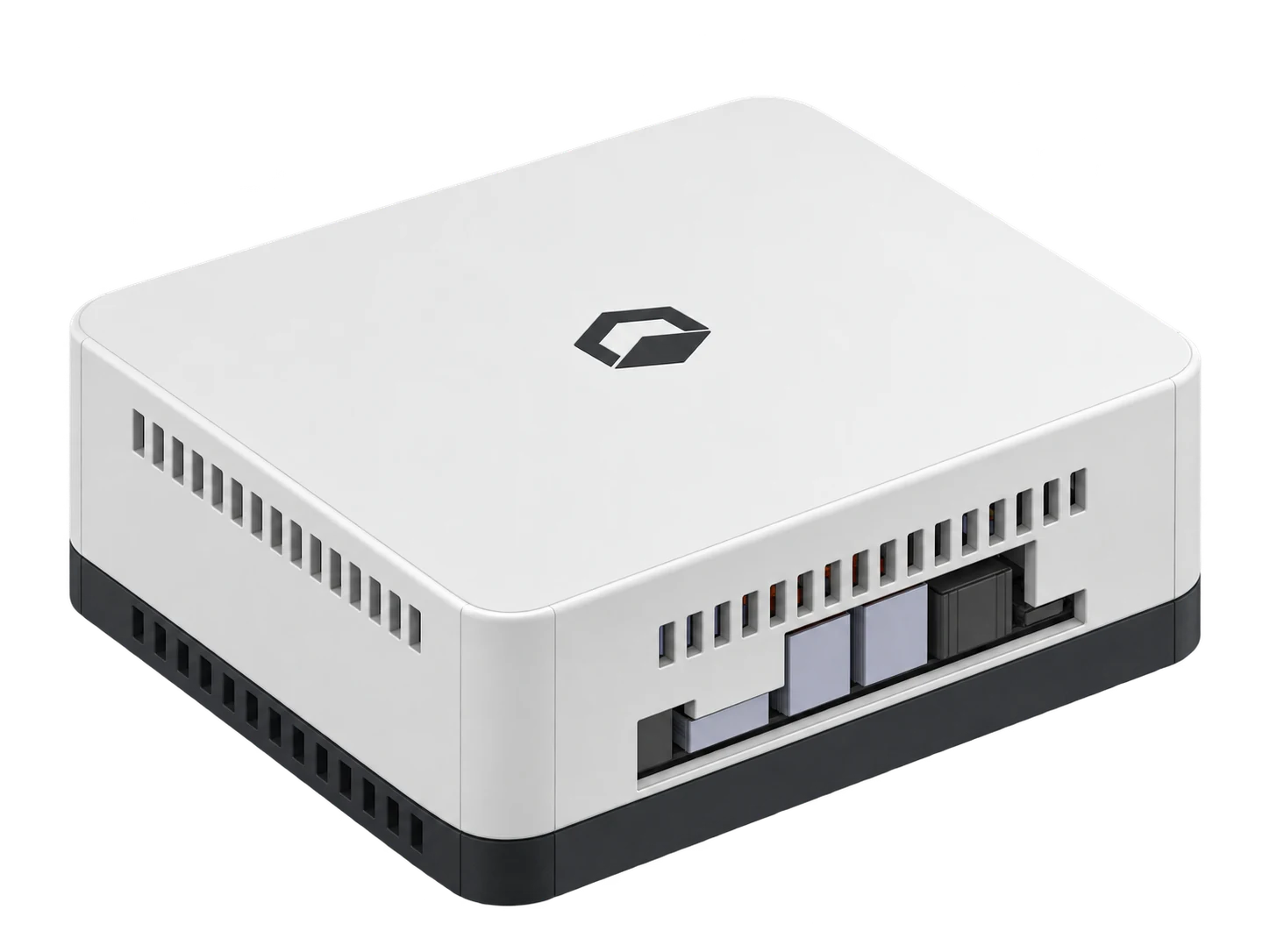
Every request, in one place.
Bring tickets, people, and conversations together. Give your team the context to take the next step.
Coming soon · Actively in development
Helpdesk, asset management, and local AI.
One IT platform. On your own network.
Manage tickets, track assets, and put local AI to work.
Your entire IT platform, running on your own network.
Local software included. No required monthly software fee.
Under the enclosure, NVIDIA Jetson compute, fast memory, and local solid-state storage give UniDesk a place to call home.
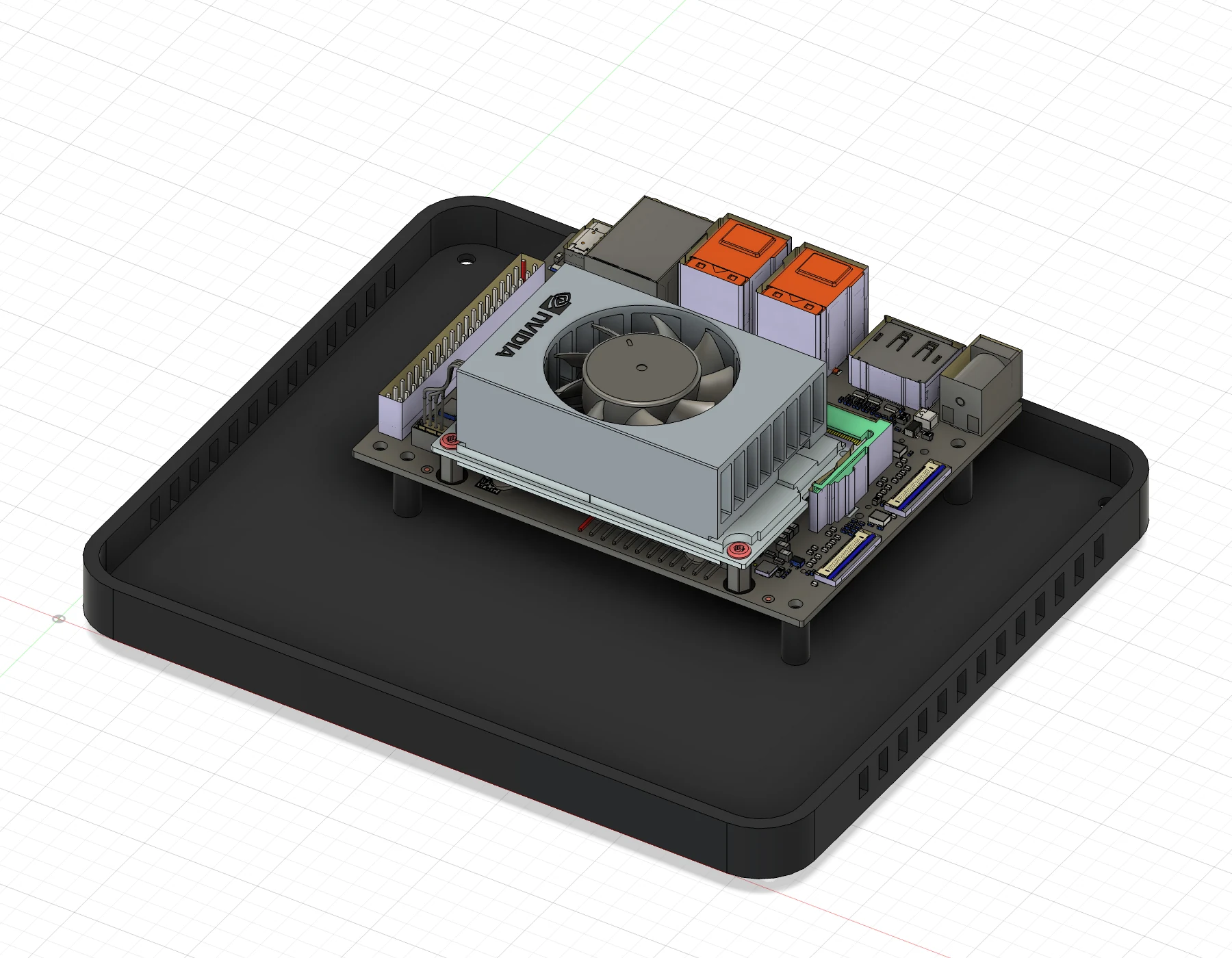
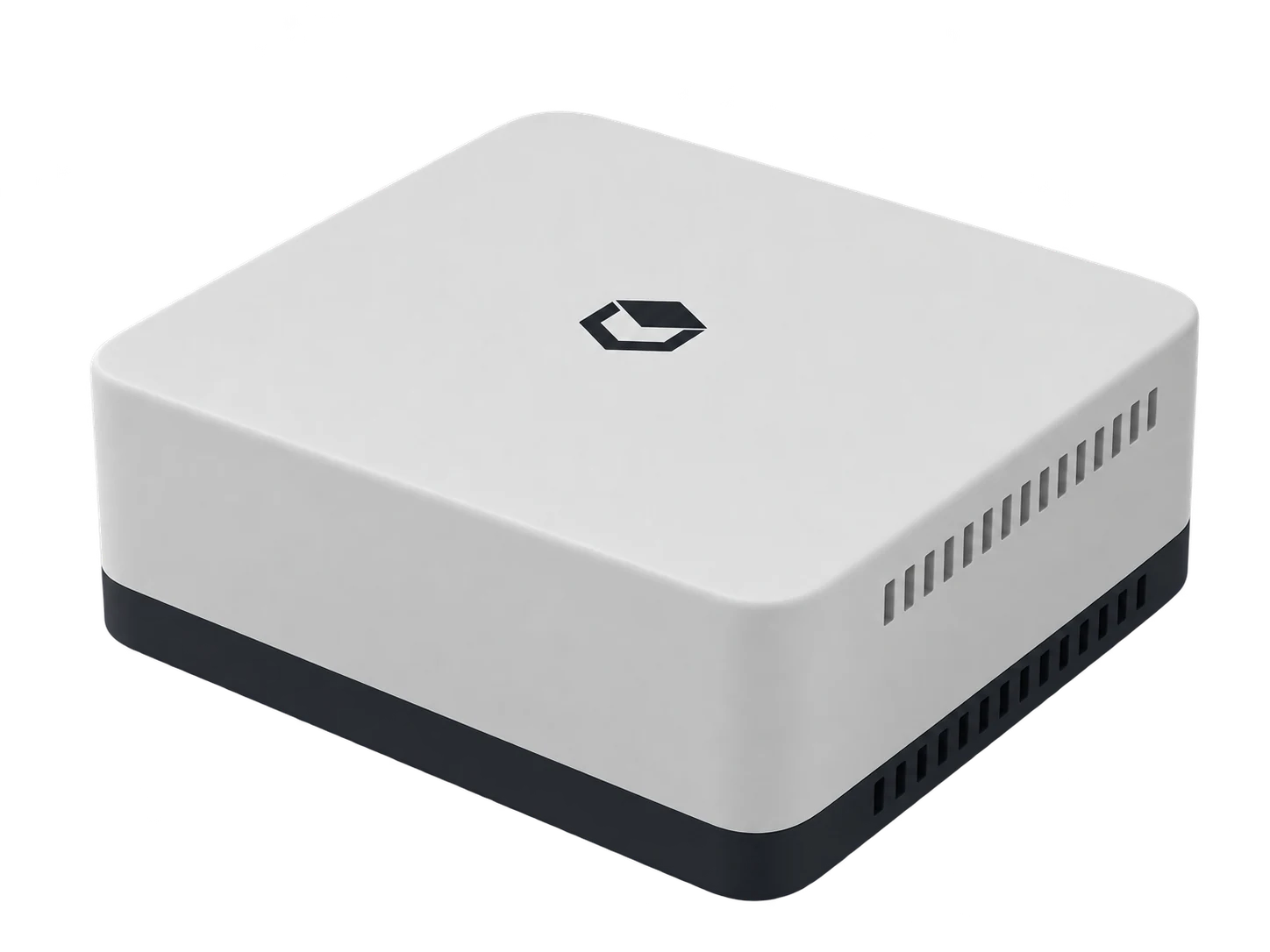
Our custom Linux-based operating experience brings Node straight into UniDesk. Built on NVIDIA Jetson Linux, it brings the platform and the controls for your appliance together.
The UniDesk experience, hosted on-site. Bring everyday IT work onto infrastructure your organization controls.
Bring tickets, people, and conversations together. Give your team the context to take the next step.
Keep asset records, device inventory, and ownership alongside the work they belong to.
Keep your team's documentation, answers, and attachments close to the people who need them.
The application, local accounts, database, and file storage run together on your Node.
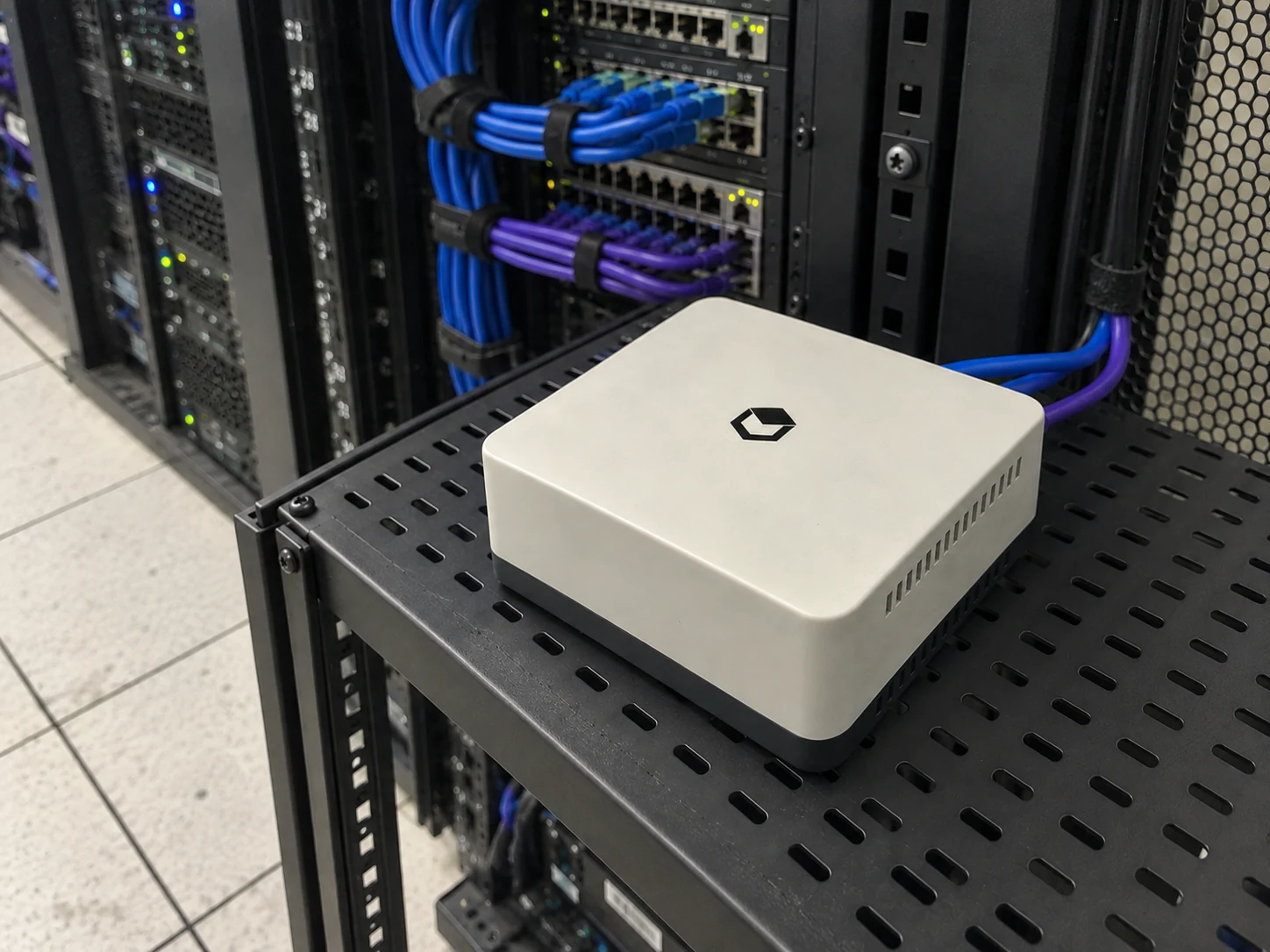
A compact computer for the server room, network closet, or IT equipment shelf. Open UniDesk from a browser on your network; your work, files, and local accounts stay with your Node.
Built around a simple principle: losing the internet shouldn’t mean losing your local IT workspace.
Server-room setting visualized. Allow ventilation and follow the confirmed installation requirements. Local power and networking required.Our goal: resolve up to 80% of your tickets with local AI. Lyvn is being developed to use your team’s knowledge and ticket context to help solve everyday IT issues, right on your Node.
This is a development target, not a measured resolution rate. Today’s supported workflows include triage, knowledge retrieval, summaries, and suggested replies.
Your team makes the decisions. Device actions go through permission checks and explicit approval, with a record of what happened.
Summarize the request and suggest a category.
Find relevant knowledge stored on your Node.
Give your team a draft to review and make their own.
Illustrative workflow · Capabilities depend on the configured local model.
A monthly subscription pays for a hosted service. Node puts the hardware and local core in your hands, with local UniDesk software included for ongoing use.
Buy the appliance once. There is no required monthly UniDesk software fee to keep using the local core.
The local core is designed to work without a subscription check. Optional Care or cloud billing never gates your local features or your ability to save work.
Your application, accounts, files, and private AI run on hardware you own. After setup, the local core is designed to keep working on your network without public internet access.
Cloud AI, off-site backup, remote access, and support are optional. Add services when they help your team, without making them a requirement for local use.
| Your setup | UniDesk Cloud | UniDesk Node |
|---|---|---|
| Where it lives | Hosted by UniDesk | On your own network |
| How you pay | Recurring software subscription | Hardware purchase; local software included |
| Your data | In the hosted environment | On your customer-owned appliance |
| AI | Hosted AI services | Local AI, with optional cloud AI |
| Getting connected | Internet access | Local network; optional remote access |
Hardware pricing and availability are available on request. Electricity, hardware maintenance, optional UniDesk Care, and external services may cost extra.
Remote access, off-site backup, messaging, and larger hosted AI models can extend your setup. Availability varies by service; none defines your local core.
Working out whether Node fits?
Let’s talk it through
UniDesk Node is a customer-owned IT appliance that runs UniDesk on your own network. It brings the application, local accounts, tickets, assets, knowledge, files, and private AI into one local environment.
The Node model is a one-time hardware purchase with local UniDesk software included for ongoing use. No monthly UniDesk software fee is required for the local core. Optional Care, cloud services, third-party services, and hardware maintenance may cost extra. Contact us for hardware pricing and availability.
Node is designed to keep the local core available to people and devices on your local network after setup. Local power and networking are still required. Internet-dependent services, such as external email, cloud AI, and off-site access, need connectivity. Offline and recovery validation are part of the hardware rollout.
Local AI is the default. Cloud AI is an optional extension that requires an administrator to enable it; it is not a silent fallback. Local model capability and performance depend on the hardware and supported workflow.
Local network access is the starting point. Remote access is optional, using a customer-managed private network or a configured UniDesk Relay. Talk to us about the right access setup for your organization.
The current prototype uses NVIDIA Jetson Orin Nano Super hardware in the UniDesk enclosure shown here. Local device enrollment, inventory, and an approved inventory action form the initial RMM scope. Final configurations, capacity, broader automation, backup and recovery, and availability are subject to validation. We'll confirm supported features with you before deployment.
Let’s find the right Node setup for your team.
Talk to us about Node Ask about hardware, supported features, and availability.